Password Managers vs. Browser-Saved Passwords: What Actually Reduces Your Risk
Browser-saved passwords aren't insecure by design, but a dedicated password manager closes specific gaps that browser storage doesn't — here's exactly which ones.
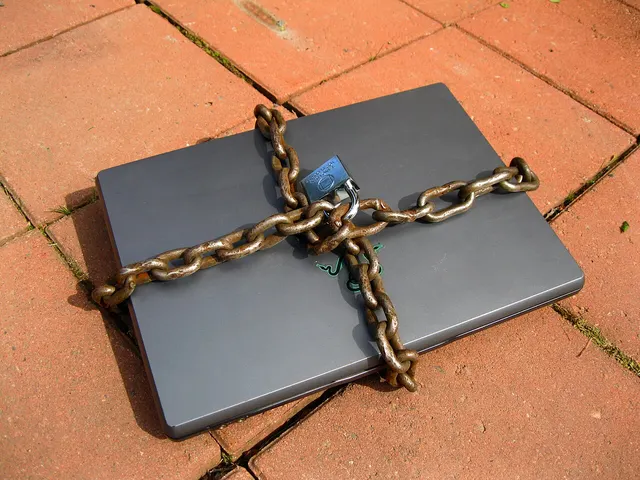
Photo: Santeri Viinamäki · CC BY-SA 4.0 · source

Most people already have a password manager — it’s built into their browser, saving and autofilling credentials without a separate app or subscription. That built-in option is genuinely better than reusing the same password everywhere, which remains the actual highest-risk habit. The question worth answering honestly is what a dedicated password manager adds on top of what a browser already does for free.
What browser-saved passwords actually do well
Modern browsers encrypt saved passwords, sync them across a signed-in user’s devices, and will flag reused or weak passwords in most cases. For someone whose alternative is reusing three passwords across every account, browser-based saving is a real, meaningful security improvement — encrypted storage with account-level unique passwords beats memorized reuse by a wide margin, and it’s already there with zero setup cost.
Where a dedicated password manager closes a real gap
Cross-platform and cross-browser sync. Browser-saved passwords are typically tied to that specific browser’s sync ecosystem — a password saved in one browser doesn’t follow a user who switches browsers or uses different browsers on different devices. A dedicated password manager works as a browser extension and standalone app across any browser and operating system, which matters concretely for anyone not fully locked into one browser ecosystem.
Secure sharing — a narrower gap than it used to be. Built-in managers once left sharing to a message or an email carrying the plaintext password, which defeats the point of encrypted storage the moment it’s shared. That is no longer the whole picture. Google Password Manager lets you securely share a copy of a saved password with a member of your Google family group; it is saved in the recipient’s Google Account and available for autofill, according to Google Chrome Help. Apple’s Passwords app lets you set up a Shared Group to share passwords, passkeys and Sign in with Apple credentials with family and other trusted contacts, per Apple Support. Where dedicated managers still add something is sharing that isn’t limited to one company’s family or contacts setup — with colleagues, for instance, or with people on a different platform.
Storing more than passwords. Secure notes, payment card details, identity documents, and passkeys are commonly supported in dedicated managers with the same encryption as passwords, in one unified vault — built-in browser and platform storage is generally limited to login credentials and passkeys, plus, in some cases, payment details or verification codes.
Breach monitoring. Dedicated password managers commonly include a feature that checks stored credentials against known data-breach databases and flags any that have been exposed, prompting a change before that reused or exposed credential can be used against the account elsewhere. Built-in managers now do a version of this too — Chrome can check whether saved passwords were exposed in a data breach, and Apple’s Passwords app alerts you if a password appears in known data leaks — so this gap is narrower than it was, though coverage and update frequency still vary.
Independence from any one company’s ecosystem. A password manager tied to a browser vendor is exposed to that specific company’s account security and business decisions. A dedicated, purpose-built password manager’s entire business is protecting that vault — which is a different security posture and incentive structure than a feature built into a much larger product.
What actually matters more than the choice itself
Regardless of which storage method is used, the habits that matter most are the same: a strong, unique password for every account (which any password manager, browser-based or dedicated, makes practical by generating and remembering them), and multi-factor authentication enabled everywhere it’s offered — since a password alone, however well stored, is a single point of failure that MFA specifically addresses.
A practical way to decide
- Fully committed to one browser across all devices, and mainly storing passwords: browser-saved passwords are a reasonable, already-available option.
- Uses multiple browsers, needs to share credentials beyond a family group or one platform’s contacts, or wants broader vault features: a dedicated password manager closes those specific gaps.
- Either way: the password manager choice matters far less than actually using unique passwords per account and enabling multi-factor authentication — those two habits do more for account security than which storage tool holds the passwords.
The honest comparison isn’t “secure vs. insecure” — both options, used correctly, are dramatically better than password reuse. It’s which specific gaps in browser storage (cross-platform sync, sharing beyond one ecosystem, broader vault features) are actually relevant to a given person’s setup.
Password hygiene is one layer of a privacy setup — see also what independent audits actually found on VPN ’no-logs’ claims for another piece of the same picture.